Off-the-shelf storage is fixed.
MODULITH is built for the space you have.
A 3D-printable modular storage system for the spaces you actually use: workbench, desk, kitchen, craft room, and beyond. Choose a layout, print only what you need, then rearrange or expand it without starting over.
- 1Choose a setupStart from a proven build, or lay out your own in the Planner.
- 2Download the filesEvery part in the build, with quantities.
- 3Print the partsOn your own printer, in your own colors.
- 4Assemble and reconfigureSnap together. Move it around later without reprinting.
The core system and the Planner are free. Some optional designs are Club or purchasable, and hardware like magnets and screws is bought separately.
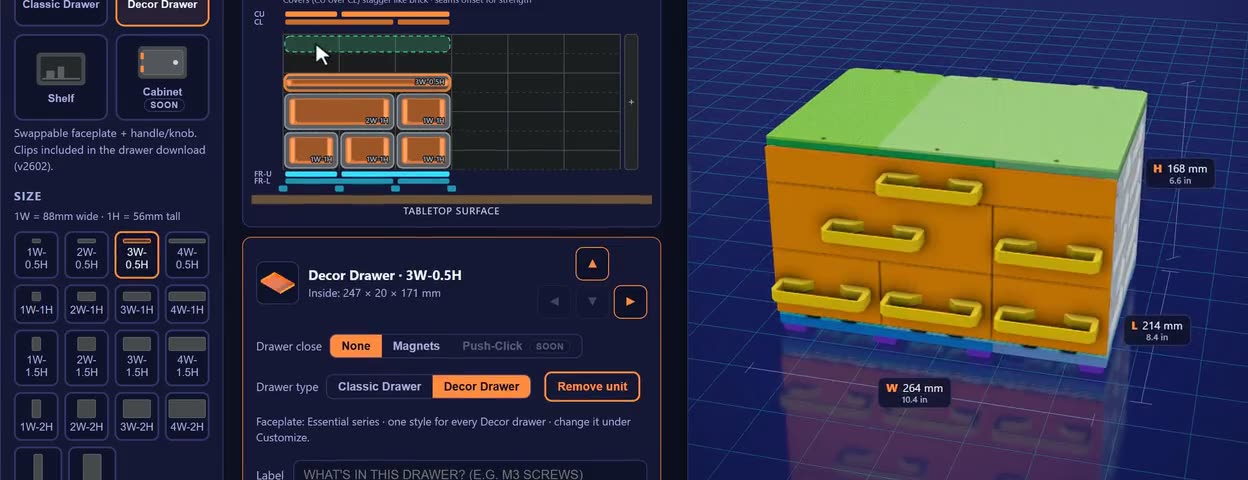
Every starter build can be customized in the Planner before you print.
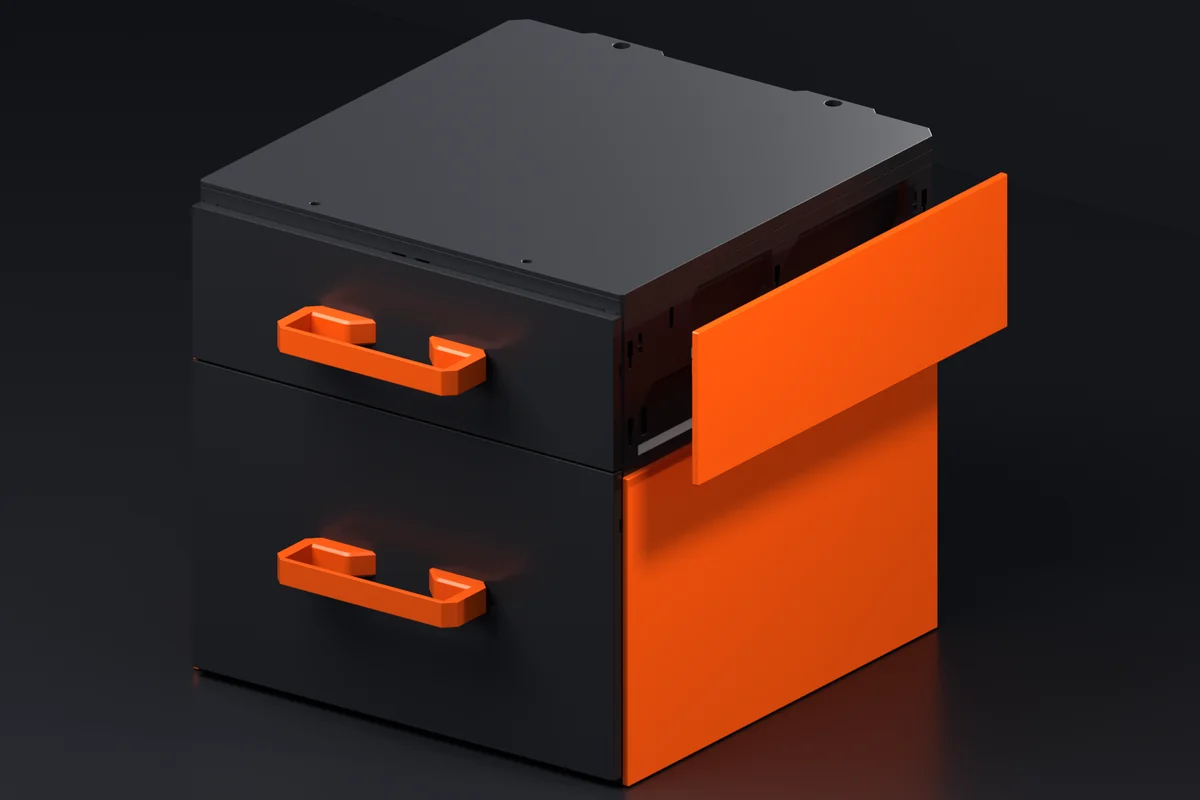
Side Covers are here.
A clip-on panel that hides the side wall of a case behind one clean face. Hook it in, slide it down, no hardware, and print it in one color or two. Every Collection, matched to the case height.
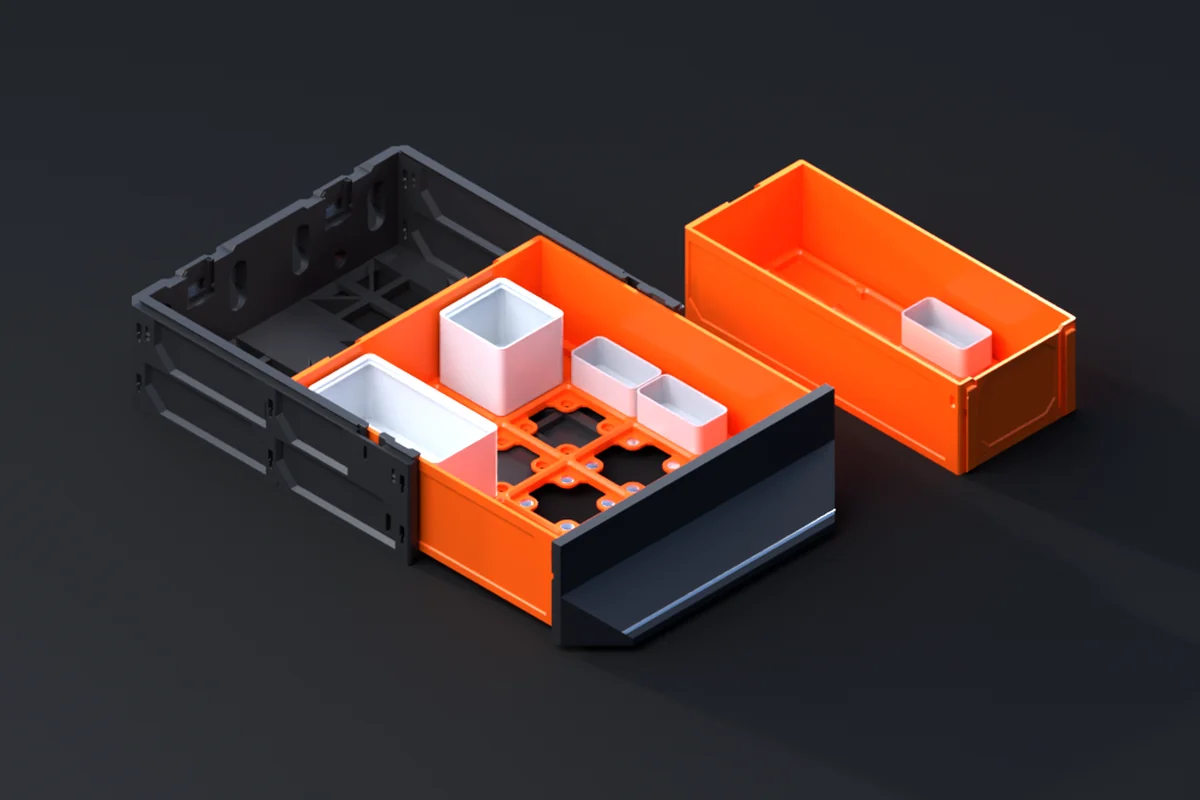
Gridfinity Decor Drawers are here.
A Decor drawer with the Gridfinity grid built into its floor. Drop in any 42mm bin, swap the front like any other Decor drawer, and slide it into the case you already have. Five Collections, 115 to 270, twelve sizes each.
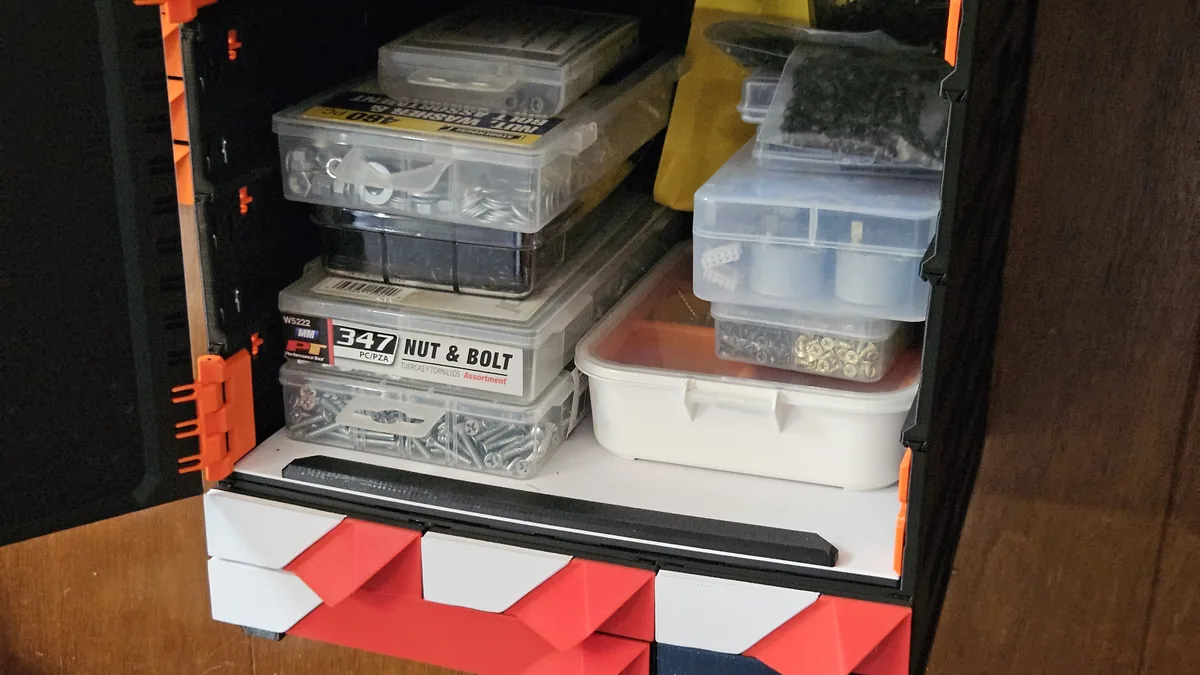
Shelves are here.
Turn any MODULITH case into open storage. Shelf Inserts come in every Collection, build from 1H to 6H with Case Extenders, and the Planner picks the parts for you.
Three foundations. More possibilities.
Build it as a freestanding unit, mount it under a surface, or put it on a wall. The same core cases and drawers carry across each system; the mounting structure changes around them.
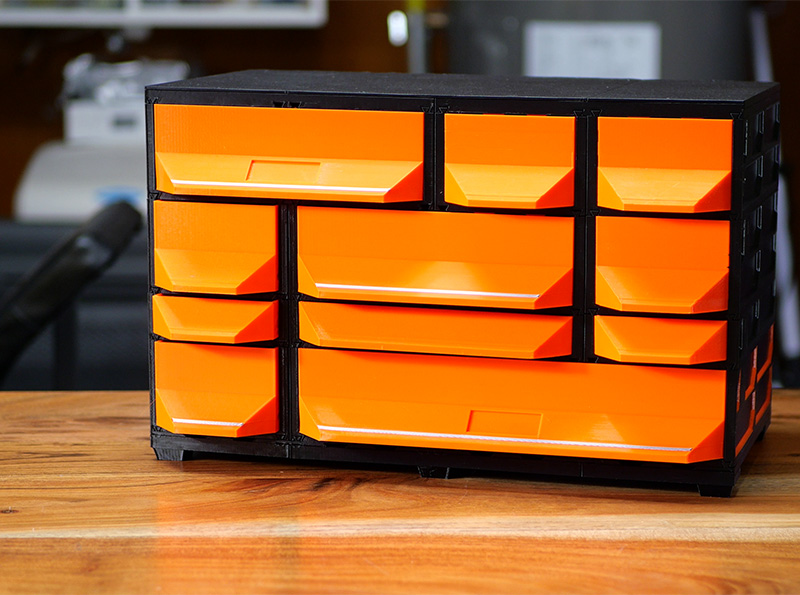 A real installation. A Tabletop Kit standing on a wooden desk, orange drawers, black covers and feet.
Tabletop parts and builds →
A real installation. A Tabletop Kit standing on a wooden desk, orange drawers, black covers and feet.
Tabletop parts and builds →

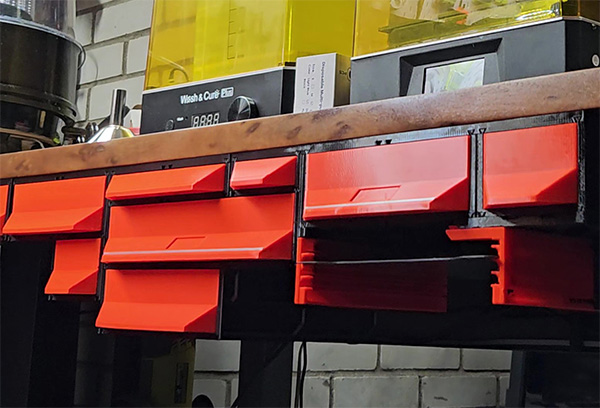 A real installation. Red drawers hanging under a workbench top on under-table rails.
Under-table parts and builds →
A real installation. Red drawers hanging under a workbench top on under-table rails.
Under-table parts and builds →

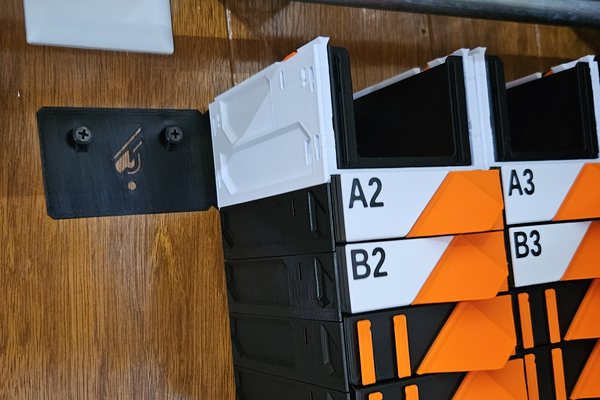 A real installation. A Wall Mount Lite bracket screwed into a wood-panelled wall beside a stack of labeled drawers.
Wall-mounted parts and builds →
A real installation. A Wall Mount Lite bracket screwed into a wood-panelled wall beside a stack of labeled drawers.
Wall-mounted parts and builds →
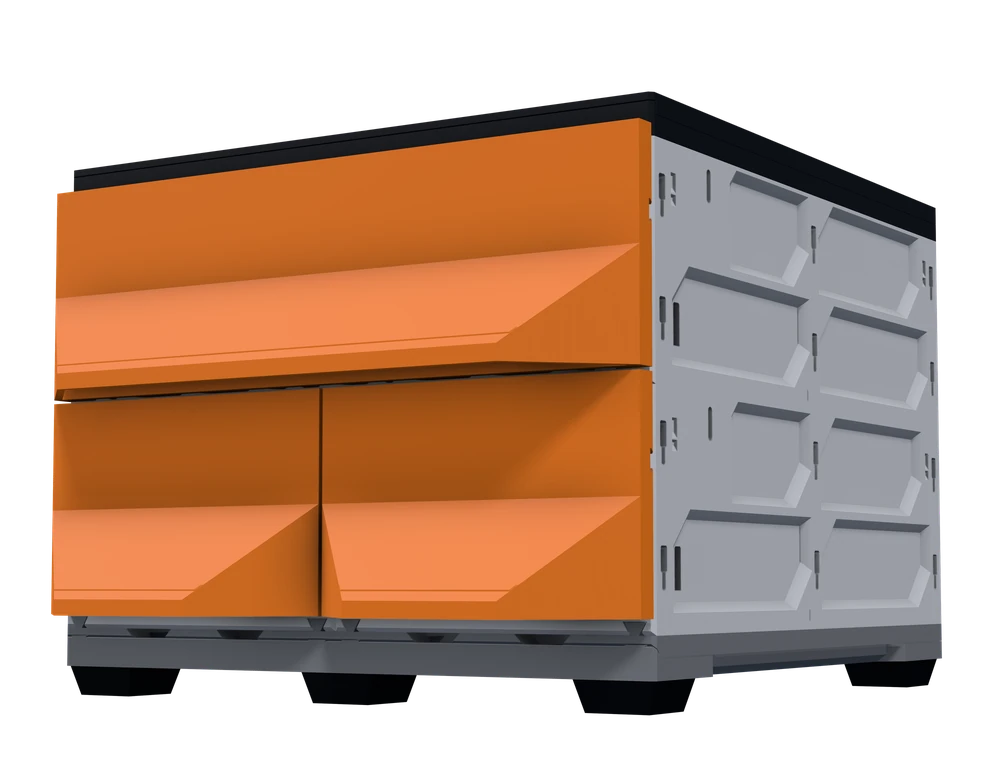
- Tabletop Foot rails tie the bottom row together and the feet sit in them; covers close the top. Nothing is fixed to anything - pick it up and move it.
- Under-table A rail screws up into the surface and the top row slides into it; rows below QuickLock on as usual. The rail has stoppers built in, so the top drawers need none.
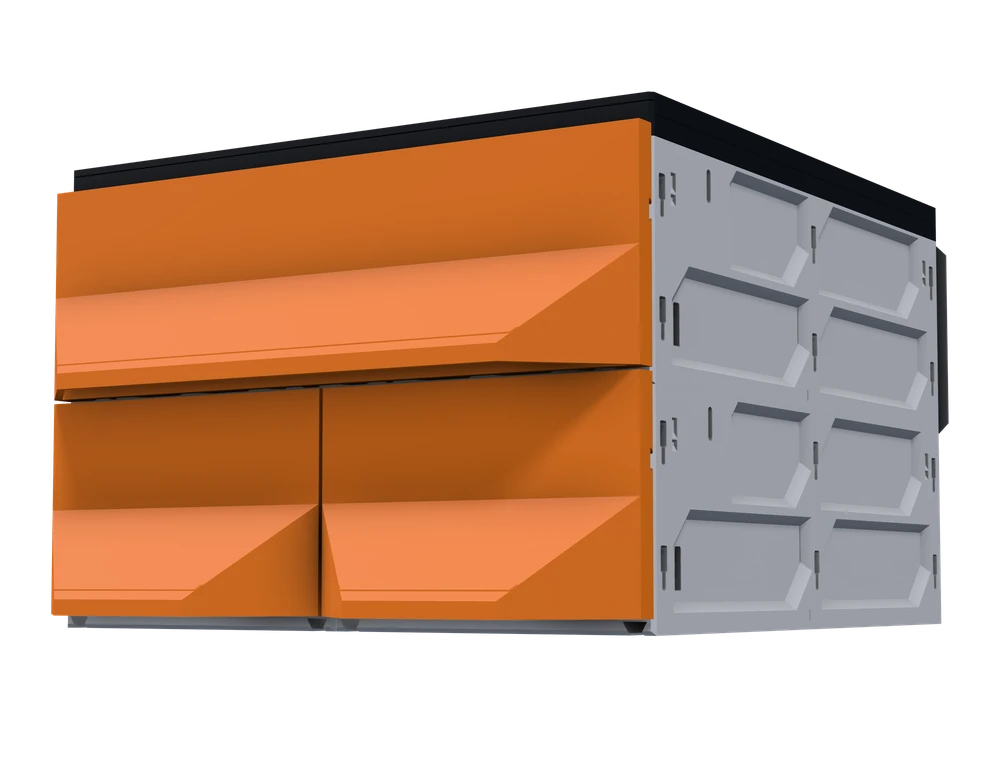
- Wall-mounted A bracket course screws to the wall and the top row hangs on its pegs; rows below QuickLock on. Covers close the top as on a tabletop build.
These three are fully supported, with Planner layouts, parts lists and instructions. They are not the only ways to mount a build.
Beyond the foundations
- Prusa CORE One Purpose-built adapter A drawer kit shaped to the printer's own frame.
Start small. Expand later.
What you print today is still doing its job a year from now. A bigger build is not a second build: the parts you already made carry straight into it.
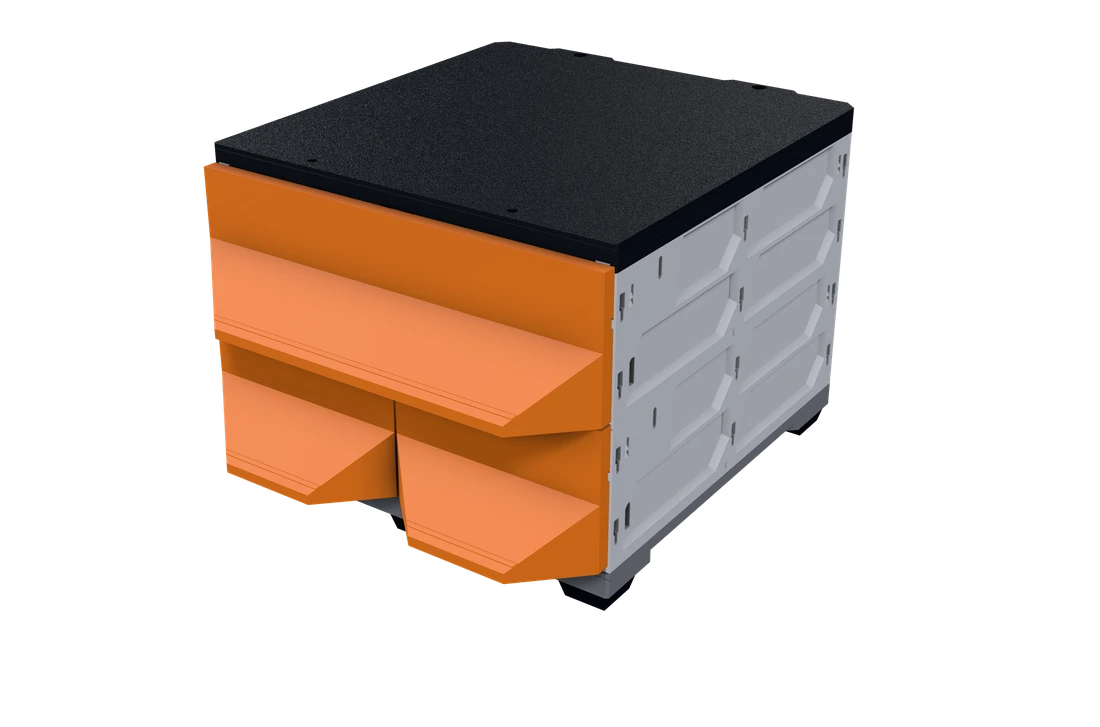
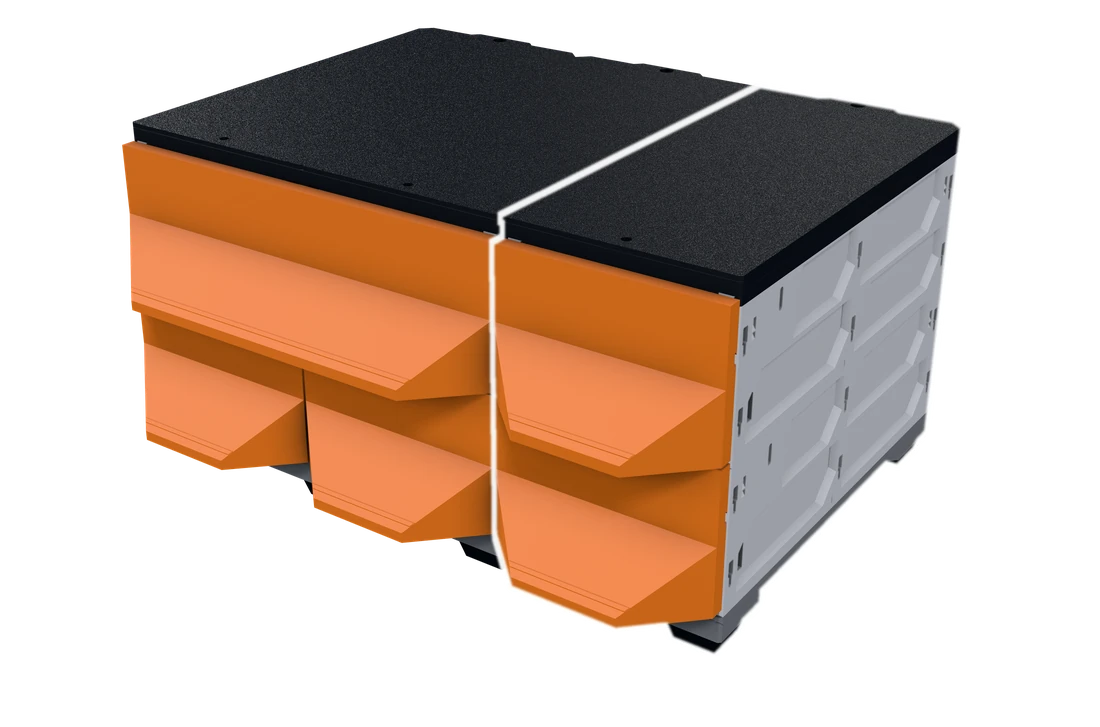
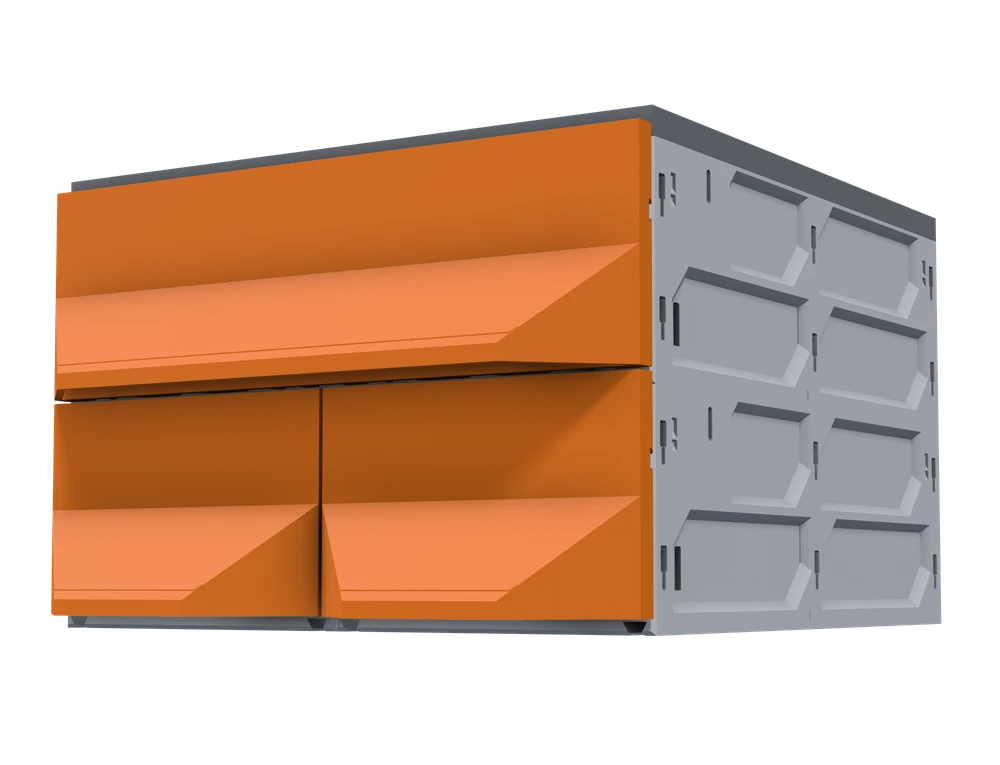
The new pieces are outlined in white.
- KeepYour original 3 drawer build, exactly as it is.
- Add2 cases in one more column, and 2 drawers.
- Result5 drawers, with nothing reprinted and nothing thrown away.
See the complete expansion list
To match the pictured expansion: print 16 pieces in 14 print jobs - that is the build itself. Because this build uses magnetic closure, it also needs 4 more printed pieces and 4 bought items; turn that option off and those go away. Optional extras add 8 pieces the build works without. Most of it is simply more of what you have already made.
Core to this build as configured, plus what your options need.
- +2 185 Decor Drawer - 1W-1H
- +2 185 Case - 1W-1H
- +2 Classic Decor Faceplate - 1W-1H
- +4 QuickLock (Left + Right)
- +4 Magnet Insert (10x2mm) Required with magnetic closure
- +2 TPU Foot
- +1 185 Cover Upper - 1W
- +1 185 Cover Lower - 1W
- +1 185 Foot Rail Upper - 1W
- +1 185 Foot Rail Lower - 1W
Buy
Hardware store items, not prints - all of it selected by an option.
- +4 Magnets 10×2mm or 6×2mm Required with magnetic closure
Optional
Optional enhancement - the build works without it.
What would I use MODULITH for?
The same cases and drawers, set up for five different jobs.
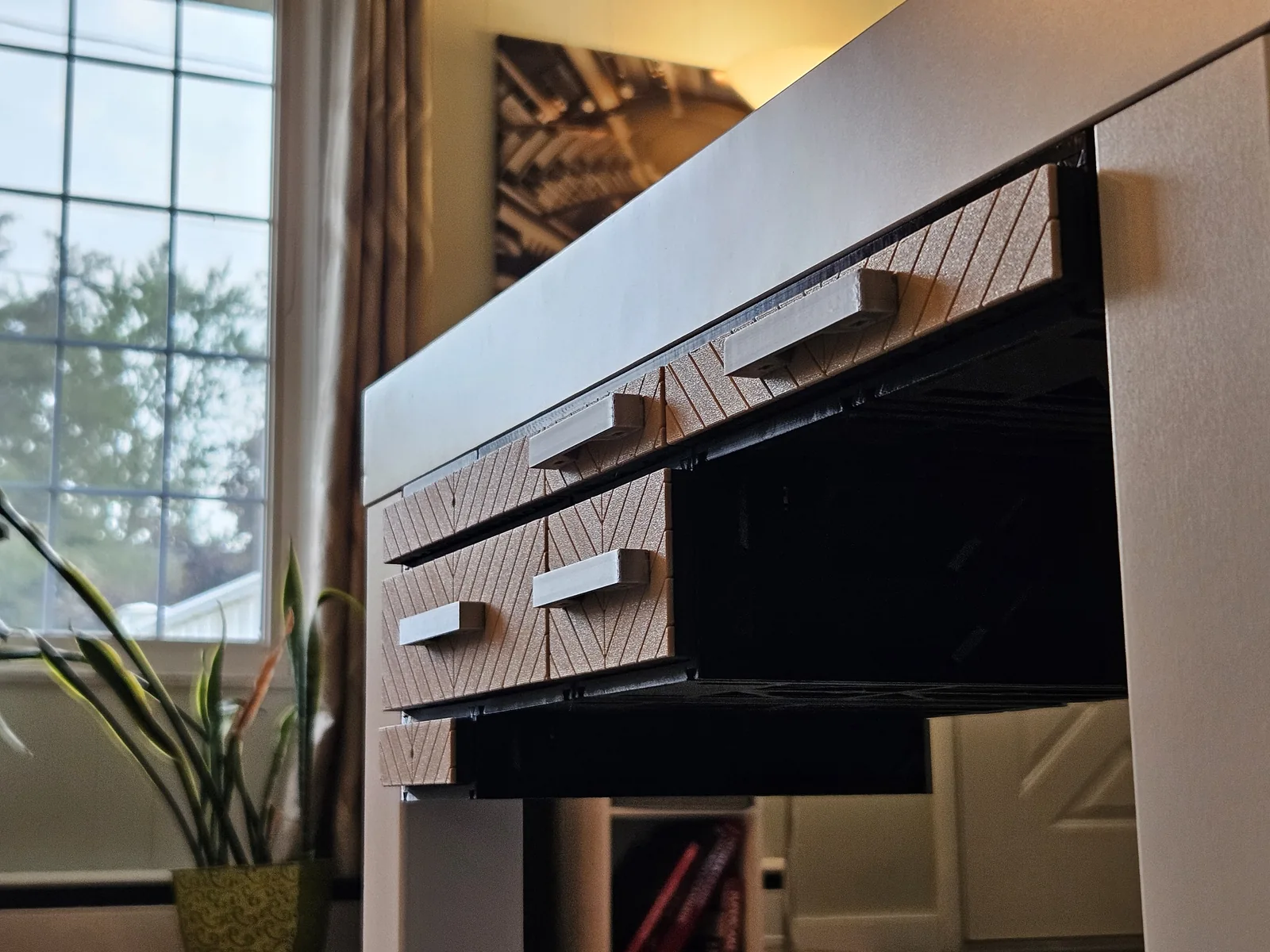
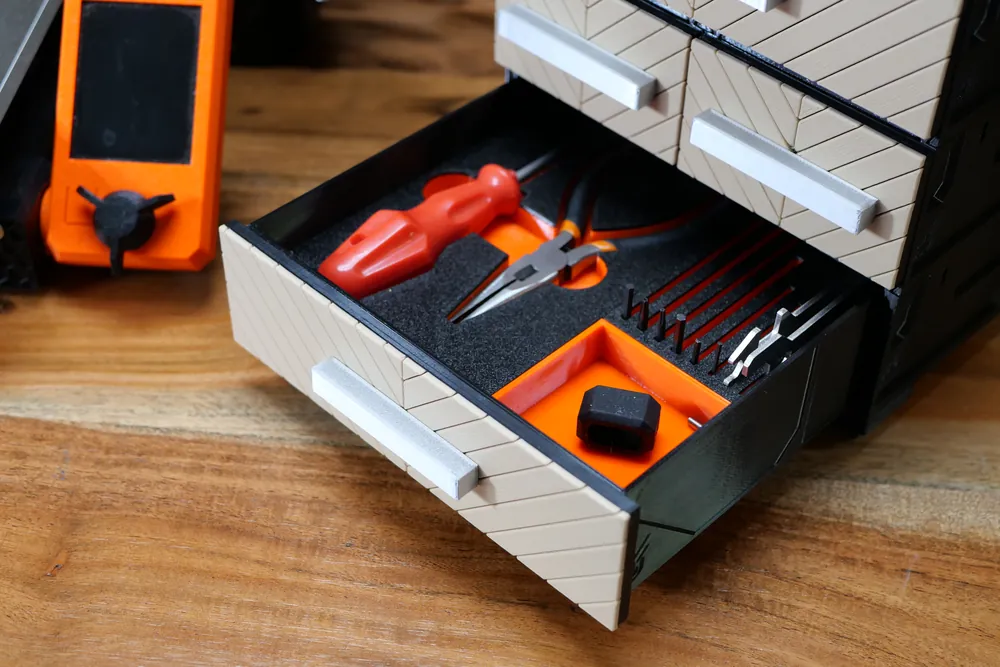
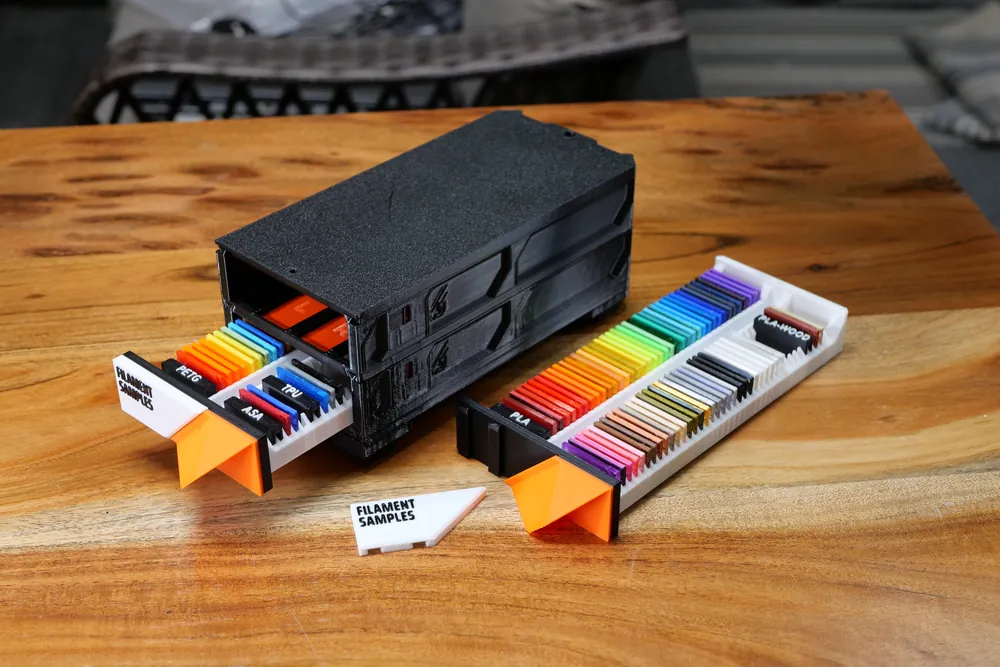
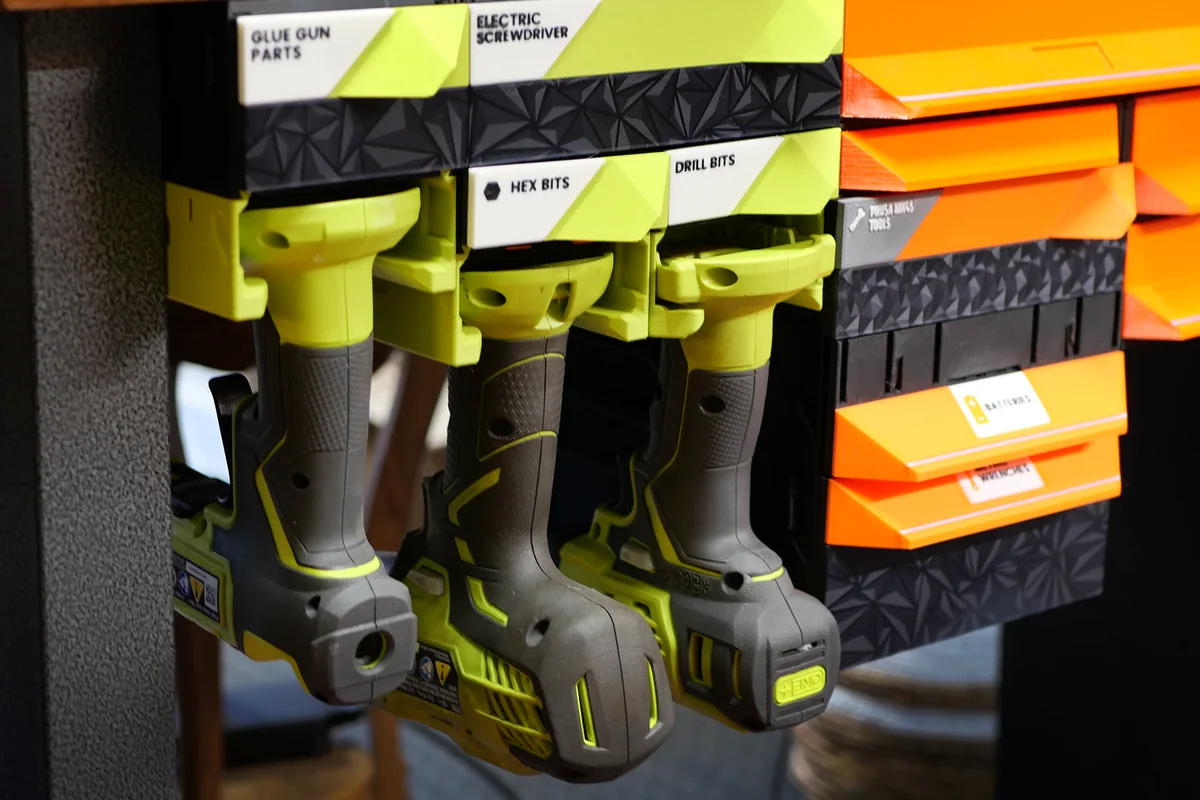
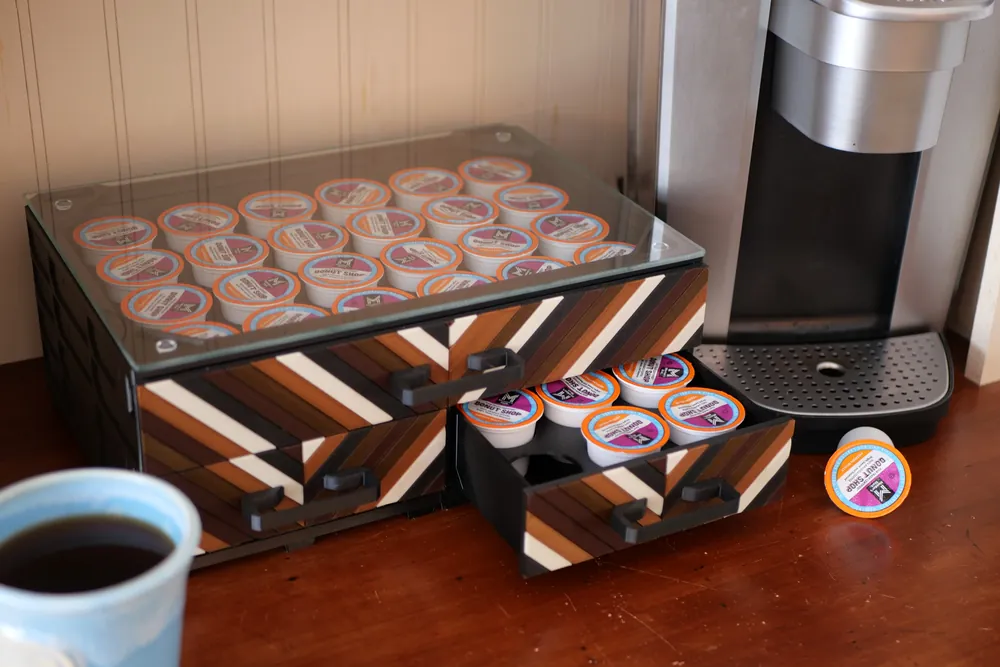
Rearrange in seconds, not a rebuild
QuickLock releases any module without tools. Dovetail rails carry the load. New bench, new printer, new garage - the system moves with you.
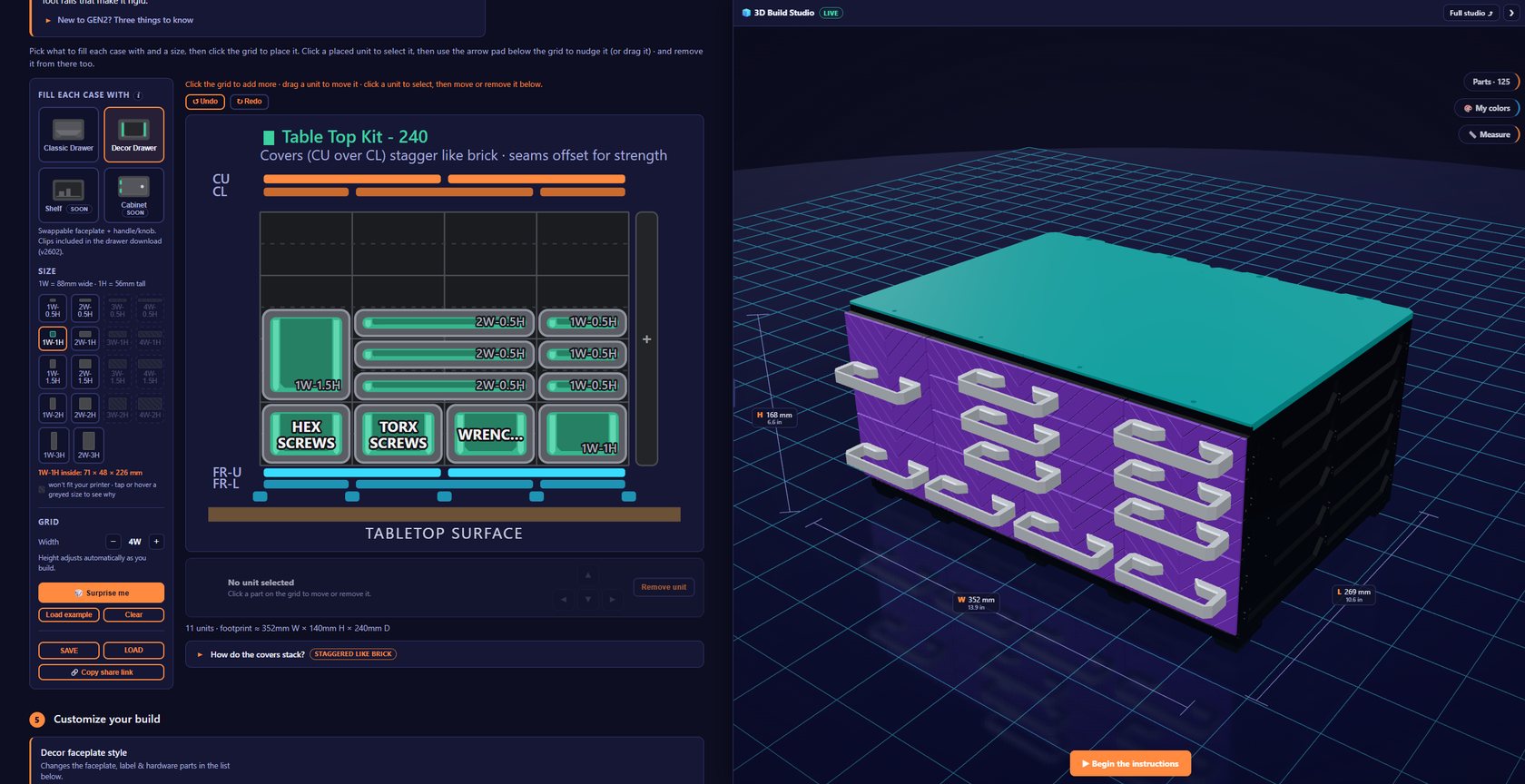
The Planner does the thinking
Lay out your build visually. It checks compatibility, sizes it to your printer, counts every part, and generates a step-by-step 3D assembly guide.
Open the free PlannerIn the wild
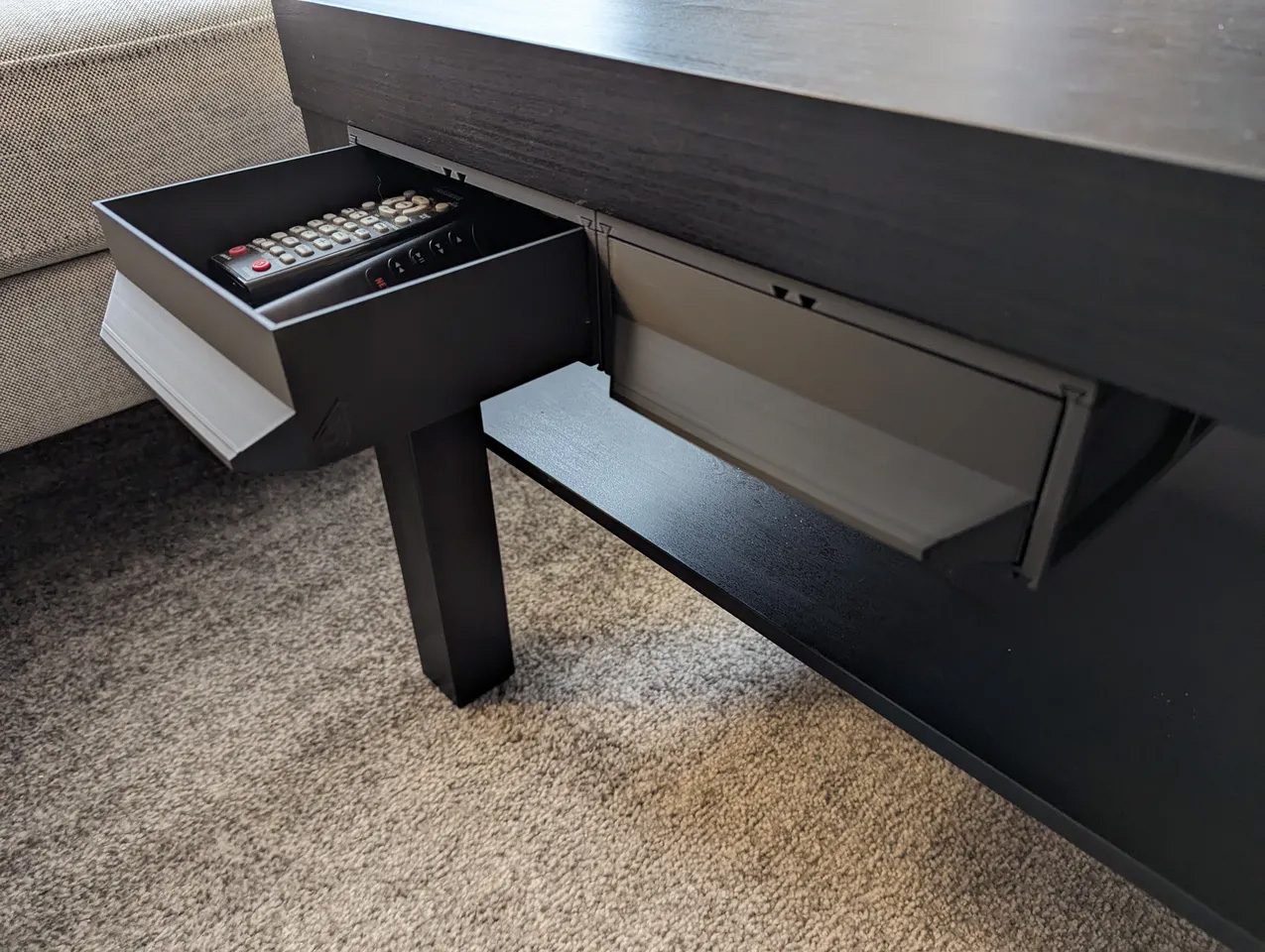
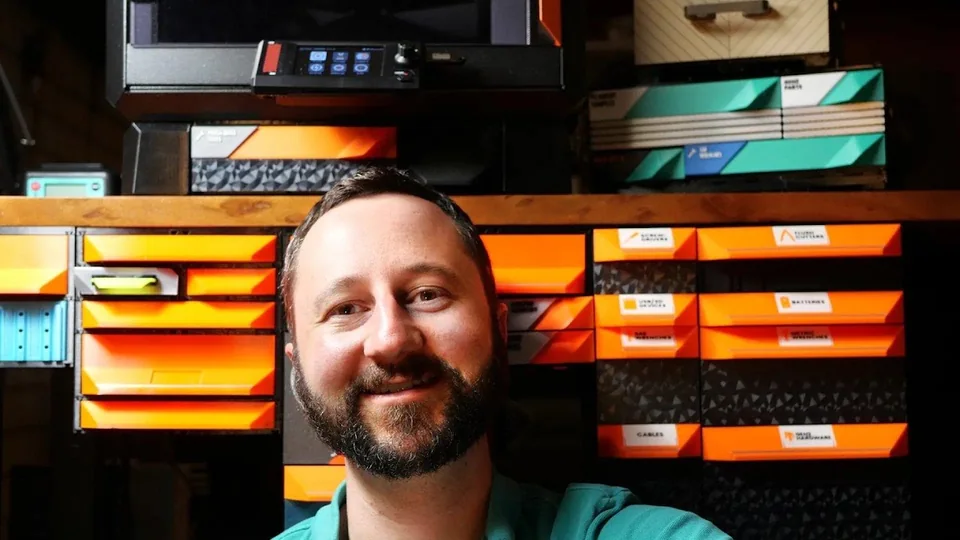
Real workshops, independent reviews and community builds.

More from Jerrari
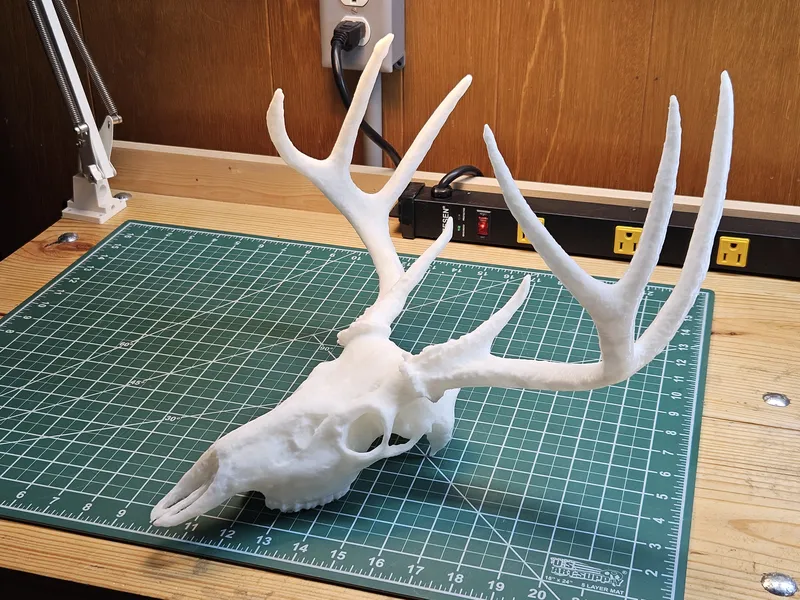
MODULITH is the flagship system - built alongside years of practical tools, modular storage, scans, and display projects.
Storage built for the space you have.
Start from a proven build or design your own. Print what you need, expand it when you need more, and rearrange it in seconds.